DCN Europe S.A.Free consultation for network projects

WLAN controllers · DCWS series
DCN Wi-Fi controllers — central network management
The DCWS series are WLAN controllers with L3 switch features — central management of up to 1024 access points, up to 40,000 users, flexible forwarding modes and power redundancy. Ideal for campuses, hotels and large facilities.
Why DCN Wi-Fi controllers
Central management
A single point of control over the whole WLAN — automatic provisioning, channel and power selection and consistent configuration of all access points.
Controller and L3 switch
The device combines WLAN controller and layer-3 switch features — less hardware in the rack and a simpler network architecture.
Deployment scalability
Support for up to 1024 access points and up to 40,000 wireless users — from a small office to a large campus.
Flexible operating modes
Local or centralized forwarding and Bypass/Trunk modes let you insert the controller into an existing network without a rebuild.
DCWS Wi-Fi controller models
Choose a controller matched to the scale of the deployment — from a dozen access points to large campus networks. Filter by parameters to match a model to the number of APs and users.
5 Results
Technical specification — model comparison
Show technical specificationHide technical specification
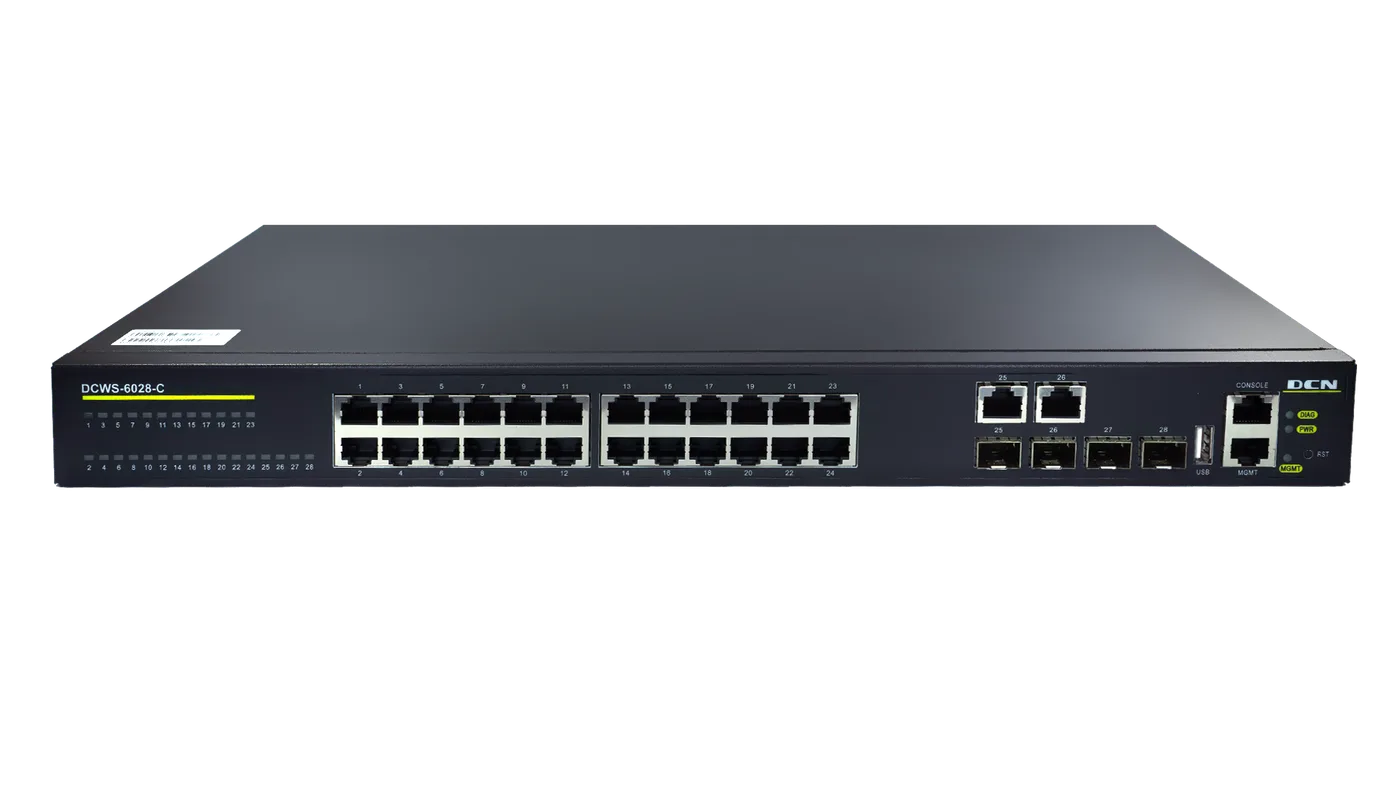
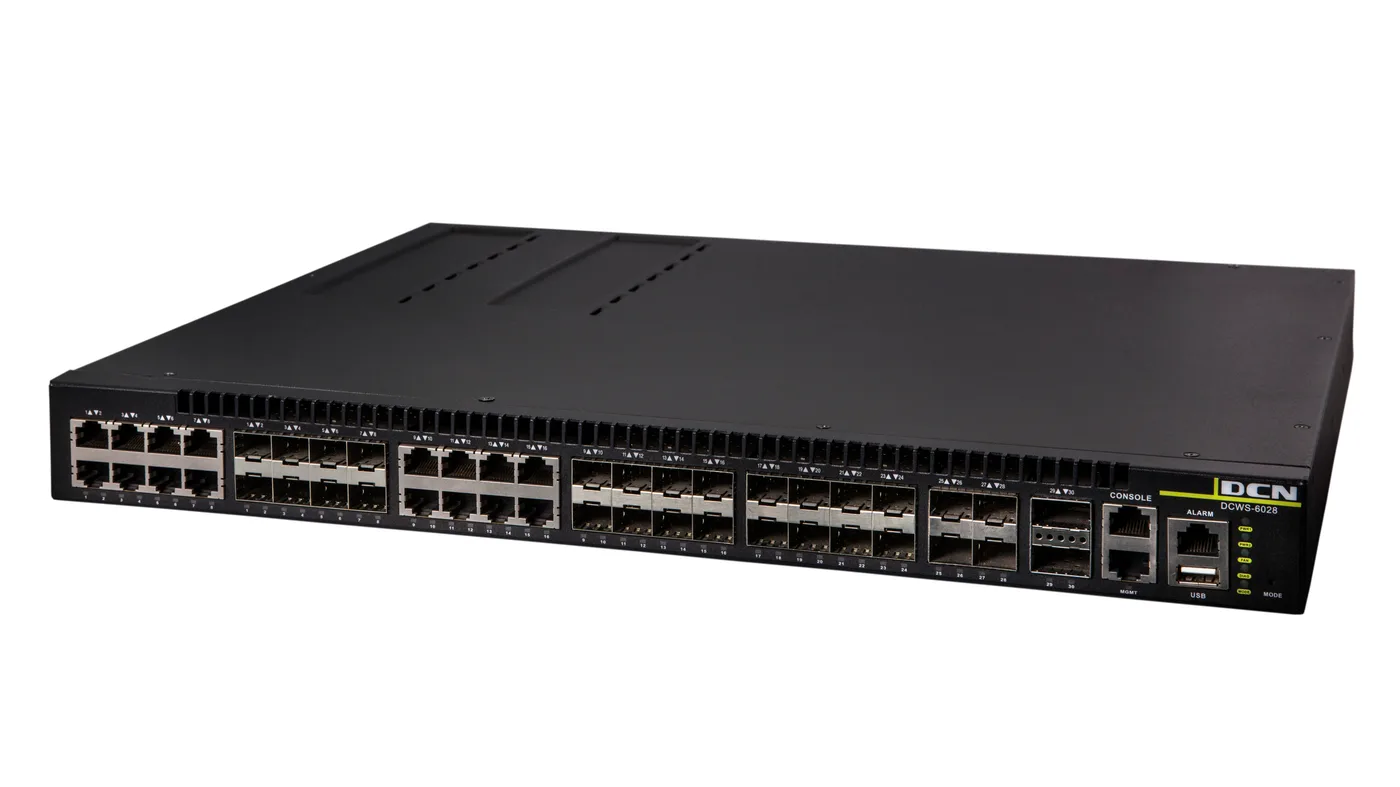
| Parameter | DCWS-6028-C | DCWS-6028 (R2) |
|---|---|---|
| Role | WLAN controller + L3 switch | WLAN controller + L3 switch |
| Ports | 24× 1G RJ45 + 2× COMBO + 2× 10G SFP+ | 16× COMBO + 8× 1G SFP + 4× 10G SFP+ |
| Max managed APs | 256 | 1024 |
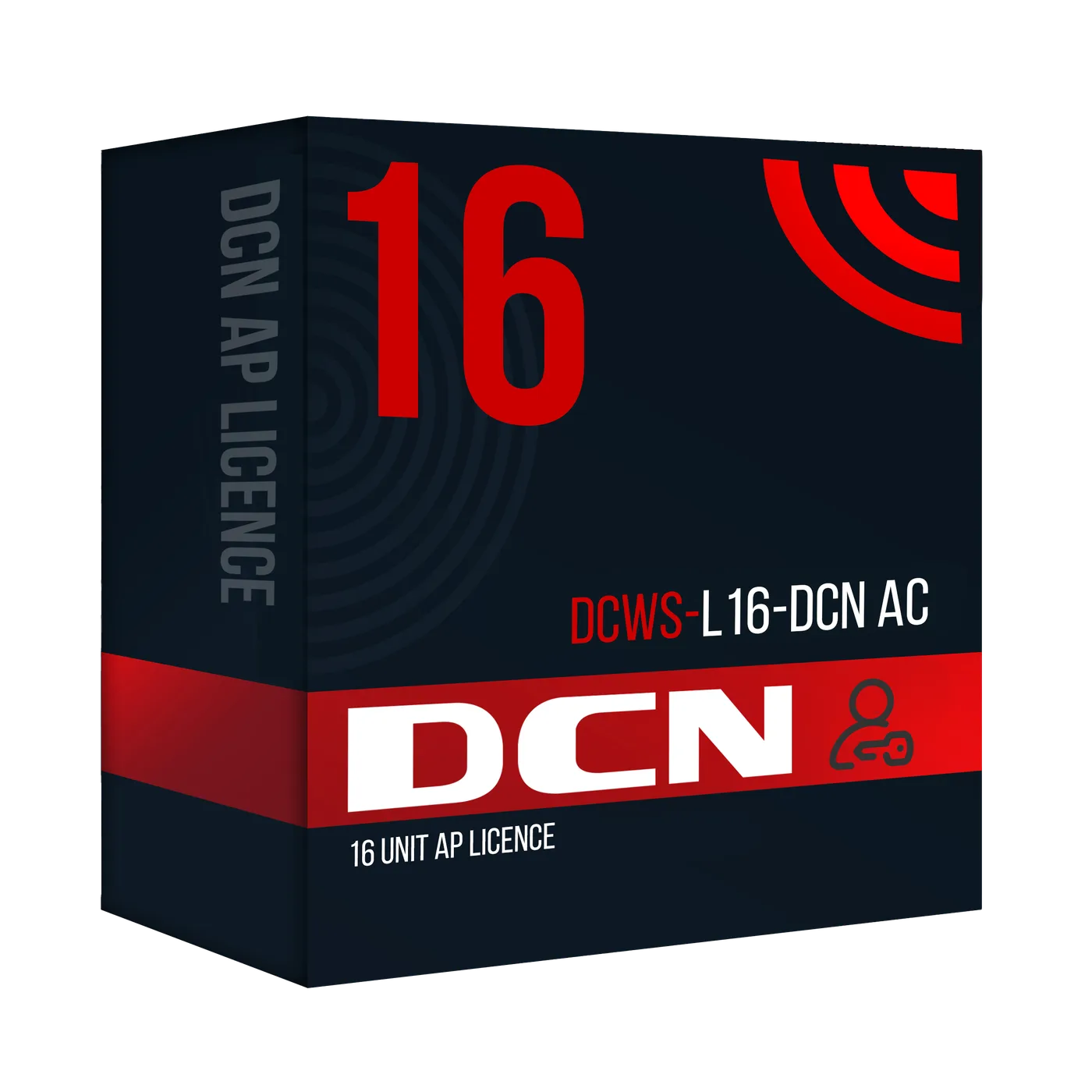
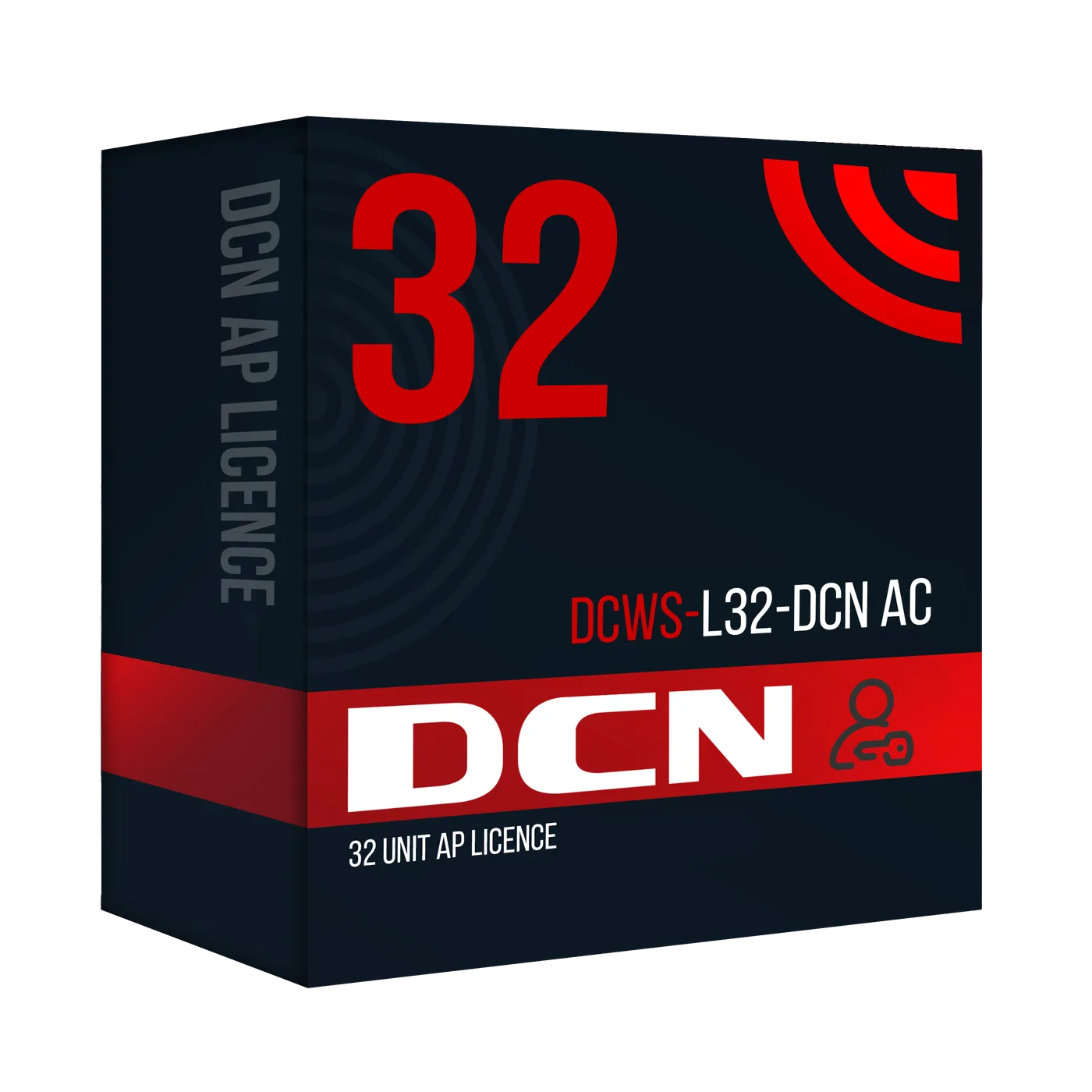
| Base number of APs | 16 | 32 |
| APs in a cluster | 16 | 64 |
| Max Wi-Fi users | 10,000 | 40,000 |
| Switching fabric | 364 Gb/s | 208 Gb/s |
| Power | 230V AC | 230V AC or 48V DC · RPS, Hot-Swap |
| Product page | View → | View → |
Values per manufacturer specification. Full data for each model is available on its product page.
DCN Wi-Fi controller features
Access point management
Automatic provisioning, updates, roaming and central configuration of hundreds of APs from one place.
Local / Centralized forwarding
Client traffic can be switched locally on the AP or centrally on the controller — depending on your needs.
Bypass / Trunk mode
Flexible network insertion — the controller in the data path or beside it, without changing the topology.
Redundancy and reliability
The DCWS-6028 (R2) supports redundant, hot-swappable power (RPS, Hot-Swap).
FAQ — DCN Wi-Fi controllers
Why use a Wi-Fi controller?
A controller centralises management of the whole wireless network — instead of configuring each access point separately, you deploy settings, updates and policies from one place. It also ensures smooth roaming, automatic channel and power selection and consistent security across the network.
How many access points does a DCWS controller manage?
The DCWS-6028-C manages up to 256 access points (16 in the base version), and the DCWS-6028 (R2) scales to 1024 APs (32 base) and supports up to 40,000 wireless users — with clustering up to 64 APs.
What is the difference between local and centralized forwarding?
With local forwarding, client traffic is switched directly on the access point — lower latency and less load on the controller. With centralized forwarding, all traffic goes to the controller, which makes it easier to apply uniform policies and inspect traffic. Both modes are supported.
What do Bypass and Trunk modes mean?
They are ways of inserting the controller into the network. In Trunk mode the controller sits in the data path, while in Bypass mode it works beside the main traffic path. This lets you add a controller to an existing infrastructure without rebuilding it.
Does a controller replace a switch?
DCWS controllers combine WLAN management with a layer-3 switch — they have RJ45, COMBO and SFP/SFP+ ports and support routing. In smaller deployments they can act as the central network device, reducing the number of separate elements in the rack.
Wi-Fi controller quote for your company
Submit the form — we'll reply within 24h on business days.
Proven solutions
We work with operators, integrators and companies across Europe.
Technical consulting
We'll help you choose hardware for your infrastructure and needs.
Compatibility and stability
Compatibility with devices from various manufacturers and stable operation.
Fast delivery
Stock availability and shipping within 24h.